Cross-Section Grid Text
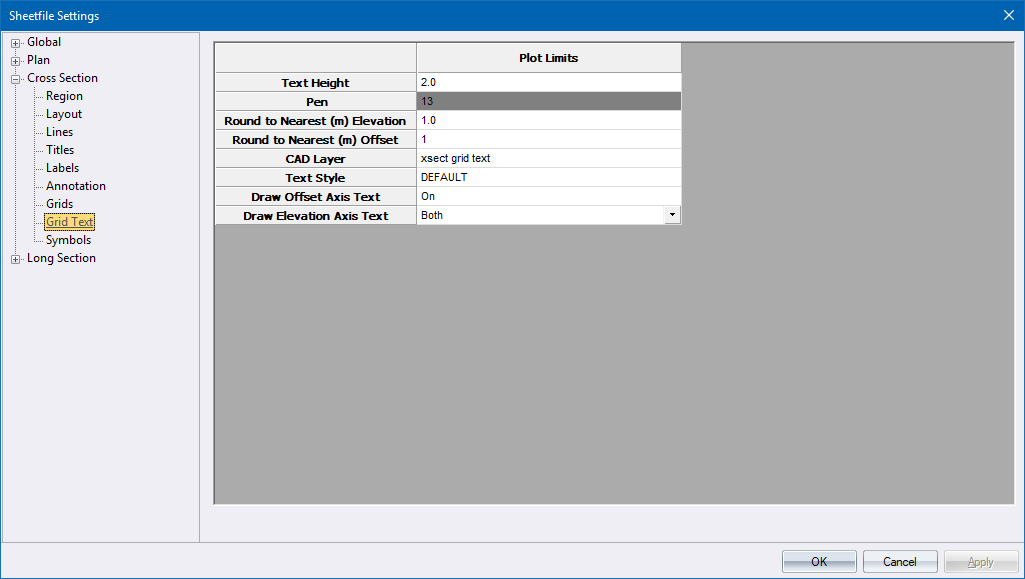
Specify the cross-section grid text parameters.
|
Option
|
Description |
|
Text Height |
Enter the text height in mm. |
|
Pen |
Select the pen for the text. Right-click the cell to display the pen selection. |
|
Round to Nearest (m) |
Enter the rounding factor in metres. An entry of 2 will add a grid label every 2 meters. |
|
CAD Layer |
Specify the CAD layer name for the grid text. |
|
Text Style |
Select the text style in which the text should be drawn. |
|
Draw Offset Axis Text |
Select On to offset the grid axis text at the bottom of the grid box. |
|
Draw Elevation Axis Text |
Select one of the following options:
|