Plan Erfcon List Labels
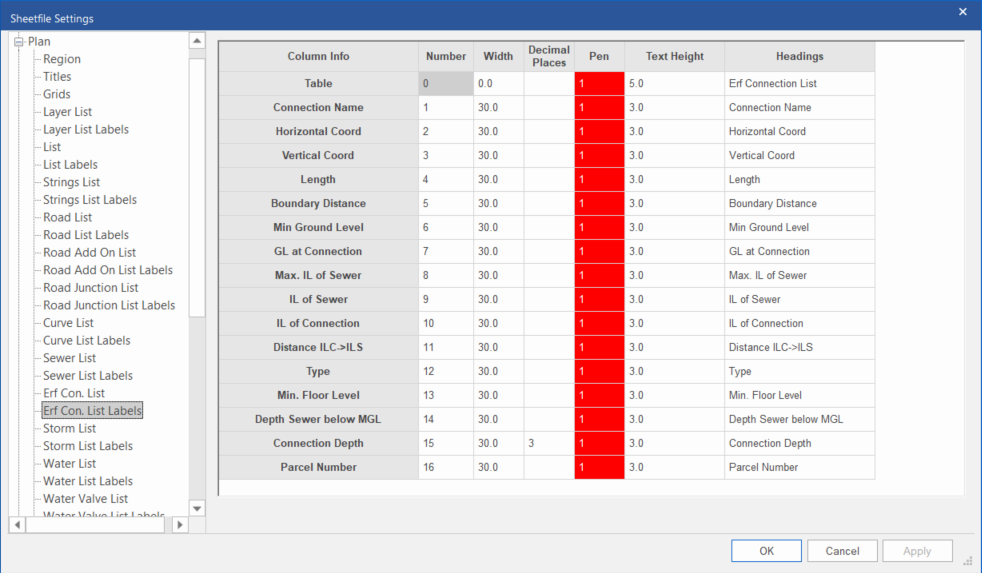
Define the label options of the erf connection schedule.
|
Option
|
Description |
|
Number |
Enter the column number in which the relevant item should be drawn. To ignore a particular item, set its column number to 0. |
|
Width |
Enter the width of the column in mm. |
|
Decimal Places |
The number of decimal places for the plotted data in this column. Does not apply to some columns (for instance “Table”, and columns which show names/IDs). Note: If you specify decimal places here, it will override the “default” number of decimal places specified in the Plan -> Erf Con List grid. |
|
Pen |
Select the pen in which the table or column heading should be drawn. Right-click the cell to display the pen selection. |
|
Text Height |
Enter the text height of the table or column heading in mm. |
|
Headings |
Enter the text for the table or column heading. Multiline text can be entered by entering the line feed character (\n) where necessary. Note that the same amount of line feeds must be inserted for all the columns.
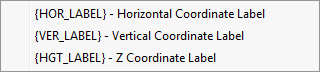
Right-click to display a list of data items.
|