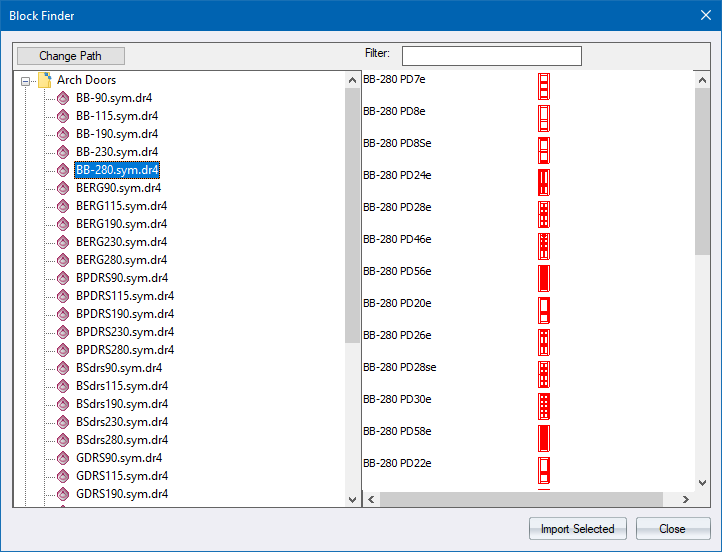
View and import blocks.
|
Option
|
Description |
|
Change path |
Click to change the browse path. |
|
Filter |
Enter a value to filter the display to only those blocks matching the filter. |
|
Drawing list |
Displays a list of available drawings. |
|
Block list |
Displays the blocks available in the currently selected drawing. Click a block name to select it. Press and hold either [Shift] or [Ctrl] and then click to expand the selection. |
|
Import Selected button |
Click to import the selected block(s) into the current drawing. |
See Also Insert Block