Draw Remote Text
Add remote/reactive text to the drawing from an existing text file
|
Icon |
Command |
Shortcut Key |
Toolbar |
|
|
TEXTREMOTE |
|
Drawing |

This function allows you to add remote/reactive text from a file to drawings. This is useful for commonly used text that is shared by multiple drawings, and potentially needs to be changed and then updated in all of those drawings. The text will update on drawing refresh to reflect the current file contents. The overall text style can be specified during creation.
Procedure
- You are prompted to:

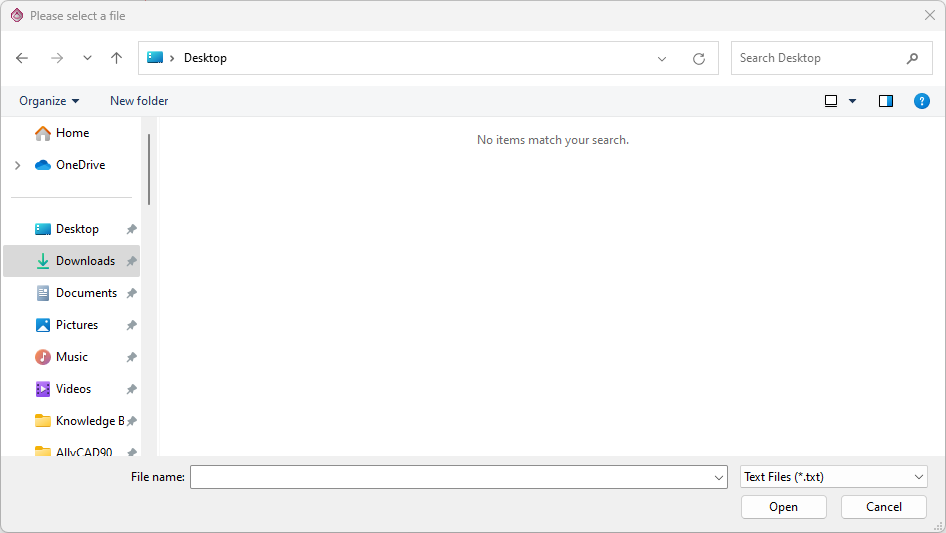
At the same time, a file dialog will open to allow you to select the file:
- After selecting a file and clicking [Open], you are prompted to:

The text contained in the file will also be rubberbanded on screen:
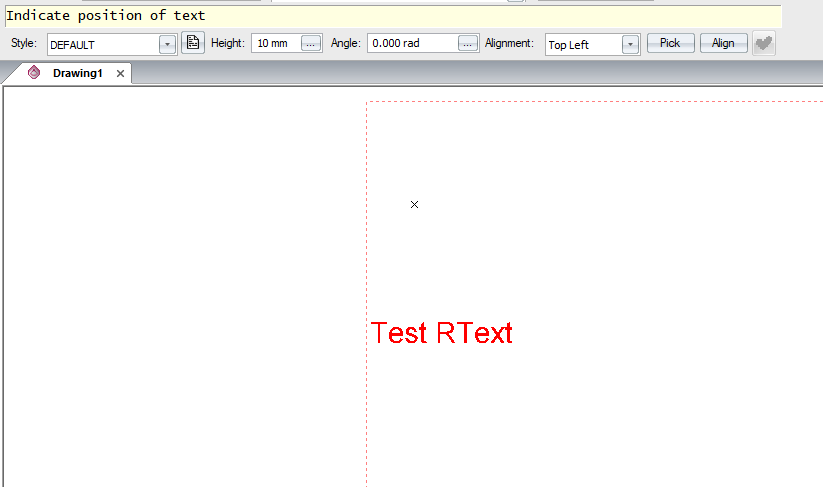
Please refer to Single Line Text for a detailed description of the available styling, angle, alignment, picking and entity align options when placing the text.
- Click or press [Enter] to accept the position and attributes of the text. The function does not repeat.
- If the underlying text file is modified and then saved, the RText entity will update on the next refresh of the drawing.