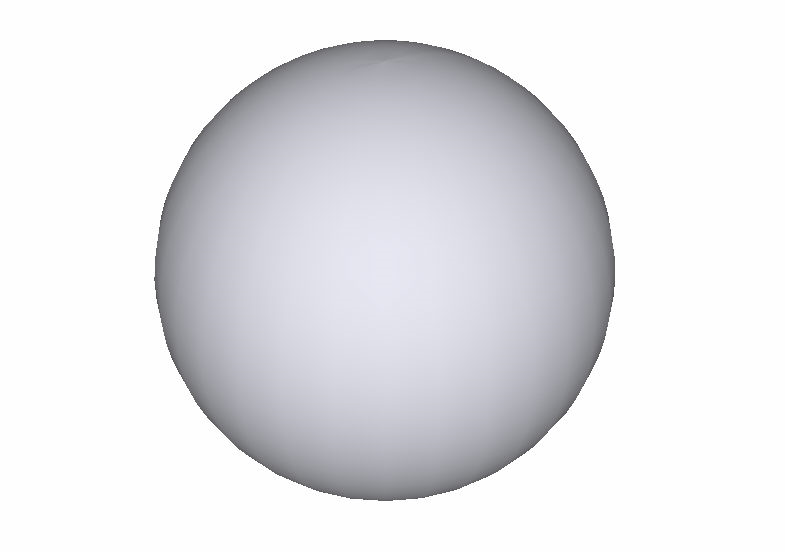
Sphere
Draw a 3D dome.
|
Icon |
Command |
Shortcut Key |
Toolbar |
|
|
MESHSPHERE |
|
3D Shapes |

This function allows you to draw a 3D sphere using an advanced form of the polygon mesh.
 Mesh entities are always drawn with CONTINUOUS line type.
Procedure
To draw a 3D sphere:
- Select Draw ► Meshed Solids ► Sphere or click the icon in the 3D Shapes toolbar.
You can set the radius of the sphere, as well as the number of segments in the X and Y planes. The greater the number of segments the smoother the sphere will be at the expense of redraw speed.
- You are prompted to:

- Indicate the position of the centre of the sphere, as shown below in Isometric view.
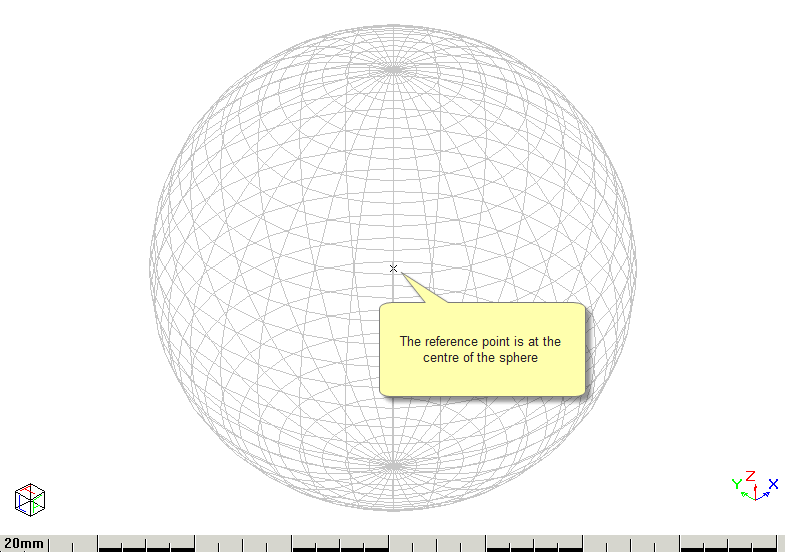
In render view, the sphere is drawn as shown below.