DR4 to DWG
Convert all AllyCAD DR4 files in a folder into DWG drawing format.
|
Icon |
Command |
Shortcut Key |
Toolbar |
|
|
BATCHDWGFOLDER |
|
Main |

This function allows you to convert existing AllyCAD DR4 drawing files in a specific folder into the DWG drawing format.
Procedure
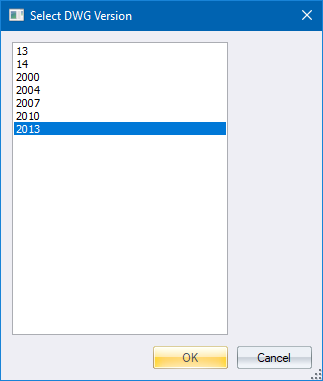
- Specify which DWG file format you want to convert to and then click OK.
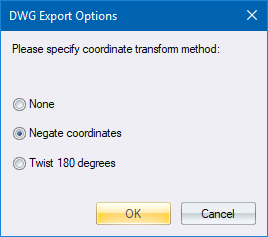
- Specify how to convert survey coordinate drawings and then click OK.
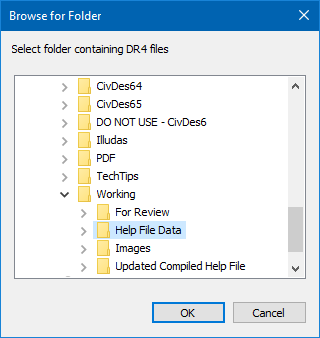
- Specify the folder containing the AllyCAD DR4 files to be converted.
-
Click OK to begin the conversion.
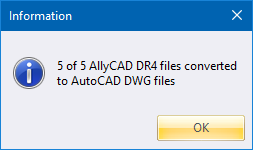
- A message displays reporting the number of converted files. Click OK to close the window.