Fit Curve
Fit a vertical curve through a fixed point.
|
Icon |
Command |
Shortcut Key |
Toolbar |
|
|
RD_VERFITCURVE |
|
|
This function allows you to fit a vertical curve by graphically specifying two tangents and a point on which the curve should pass through. If there are existing VPI points before or after the specified tangents, then they will be re-calculated in order to maintain the specified tangents. If there are vertical curves between the two specified tangents, they will be deleted. The newly calculated vertical curve will then be inserted.
Procedure
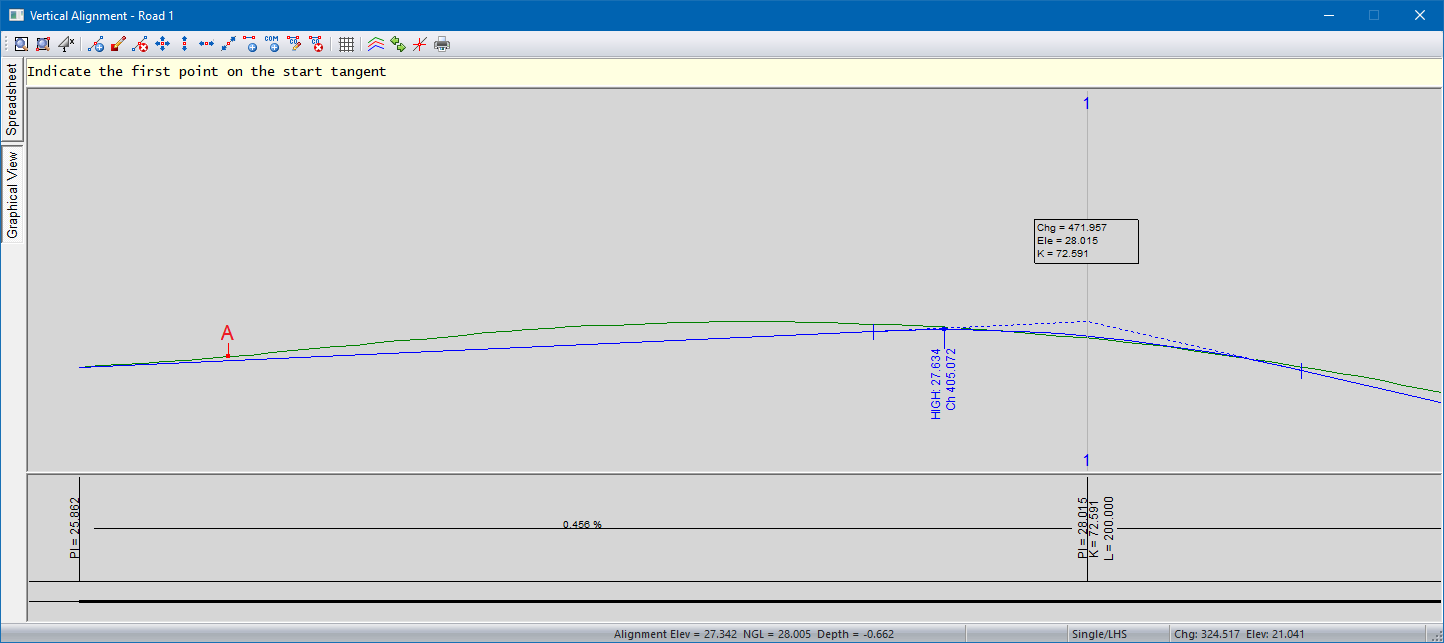
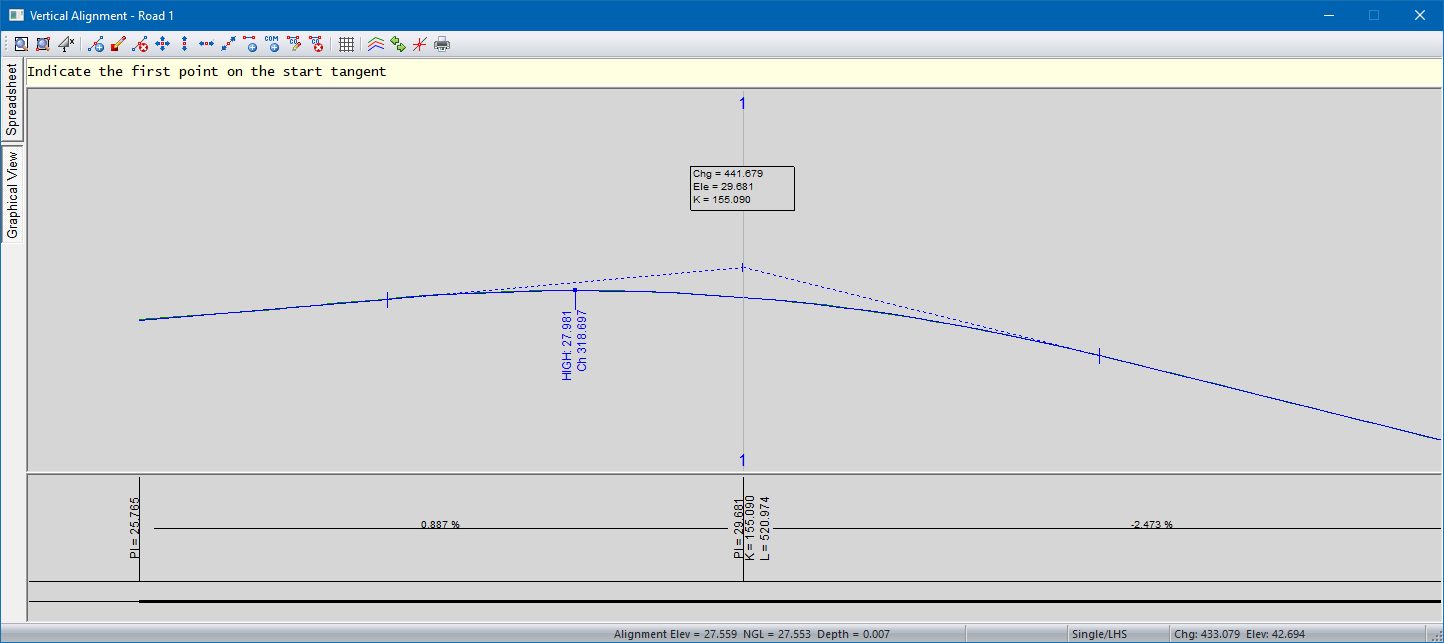
- You will be prompted to “Indicate the first point on the start tangent”. Indicate the first point on the start tangent for the new curve (Point A). You can use the ‘g’ key to jump to the ground line (Green line), and ‘p’ key to jump to any existing vertical alignment PI points (Blue lines and arcs).
-
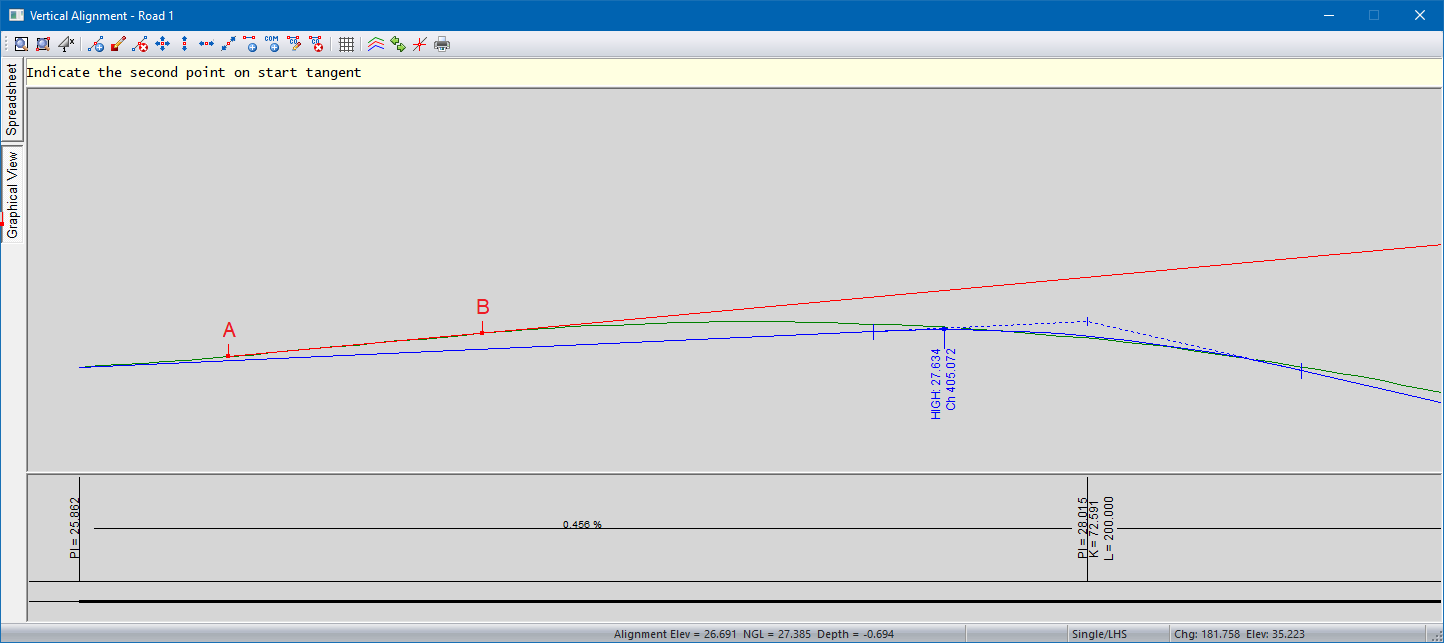
You will be prompted to “indicate the second point on the start tangent”. Indicate the second point on the start tangent for the new curve (Point B). The start tangent line will be indicated by a RED ray.
-
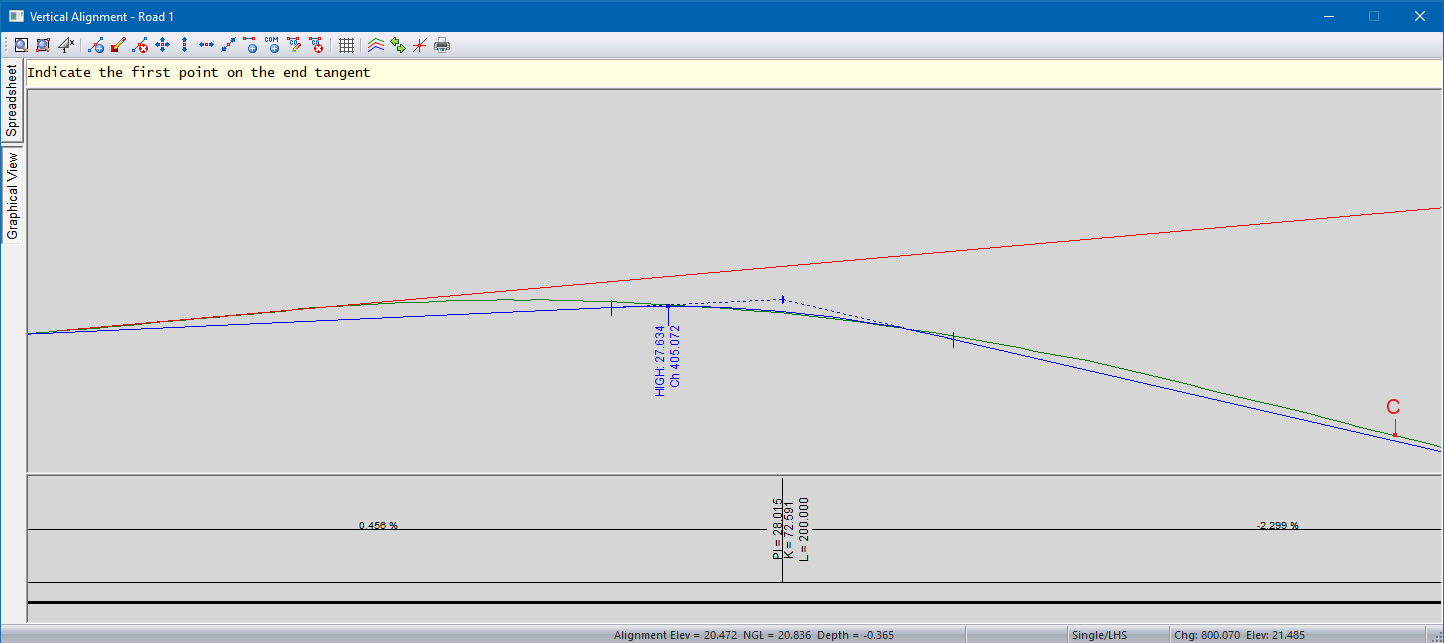
You will be prompted to “Indicate the first point on the end tangent”. Indicate the first point on the end tangent for the new curve (Point C).
-
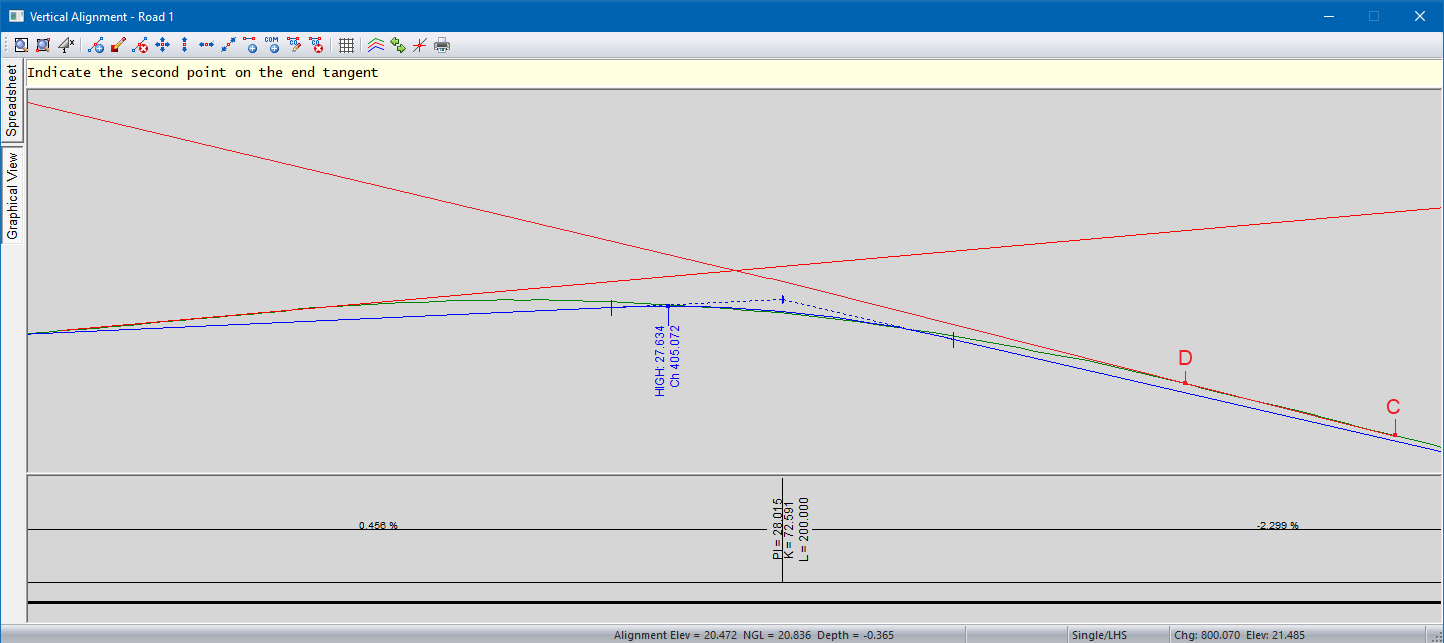
You will be prompted to “Indicate the second point on the end tangent”. Indicate the second point on the end tangent for the new curve (Point D). The end tangent line will be indicated by another RED ray.
-
You will be prompted to “Indicate a point on the curve”. Indicate a point where the new vertical curve should pass through. Civil Designer will then update the active vertical alignment by inserting the new vertical curve.
-
The function will repeat and you will have the opportunity to fit more vertical curves.