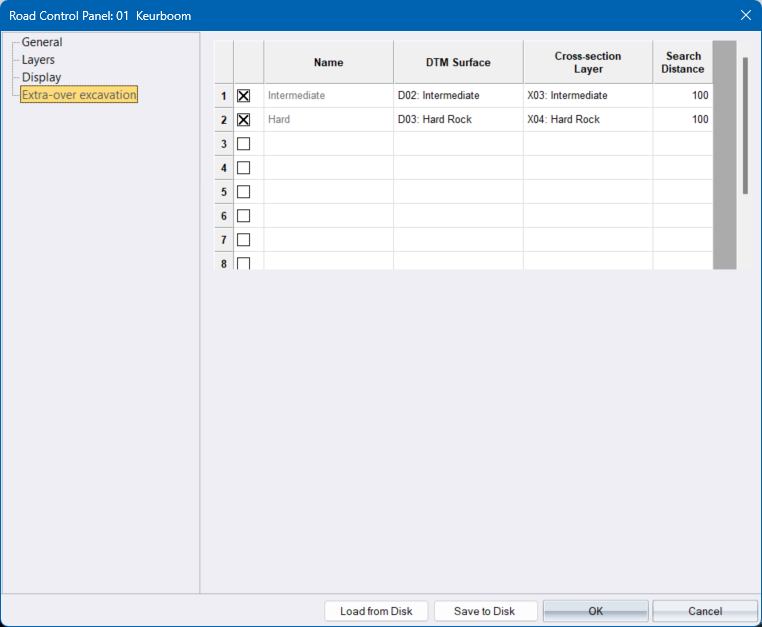
Allows you to view and edit the project wide extra-over excavation settings. These settings will be used by all Civil Designer modules.
|
Option
|
Description |
|
Active |
Check this option to extract cross sections and to calculate volumes |
|
Name |
Enter the name of the extra-over item. The first two items (Intermediate and Hard) are will always exist and cannot be changed. |
|
DTM Surface |
Specify the DTM surface to be used for cross section extraction and volume calculations at junctions. |
|
Cross-section layer |
Specify the cross section surface to extract cross sections to. These cross sections will then be used during end-area calculations. |
|
Search Distance |
Enter a minimum distance to be used to thin out points along the cross-section. |