Difference Surface
Create a new surface using data from DTM Grid Volumes: Ground Design Difference function.
Icon |
Command |
Shortcut Key |
Toolbar |
|
|
|
|
This function generates a new surface of points using information gathered during a run of the DTM Grid Volumes: Ground Design Difference function.
The surface is a grid of triangulated points where the points have a z-coordinate being the height difference of the two surfaces chosen during DTM Grid Volumes: Ground Design Difference.
If the DTM Grid was created on a portion of the site, this is the area that is used for the resulting Difference Surface. Keep that in mind and magnify/demagnify appropriately when running DTM Grid Volumes.
Visualisation of the resultant surface is via the Display Settings Cut and Fill Shading page.
Procedure
The Difference Surface Details dialog displays.
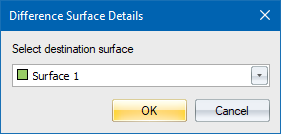
Select a new surface for the destination points to be placed, and then click OK.
If you select a surface that is not empty, you are informed of this.
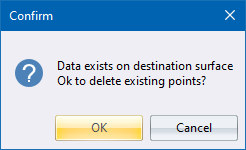
Be careful here. Click OK to have the existing surface cleared of all existing points and lines. If in doubt, click Cancel to abort and then retry using an empty surface.
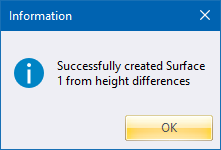
- An Information dialog informs you of the successful completion of the function.