Terrain Report Quantities
|
Icon |
Command |
Shortcut Key |
Toolbar |
|
|
TERRAINREPORTQUANTITIES |
|
|
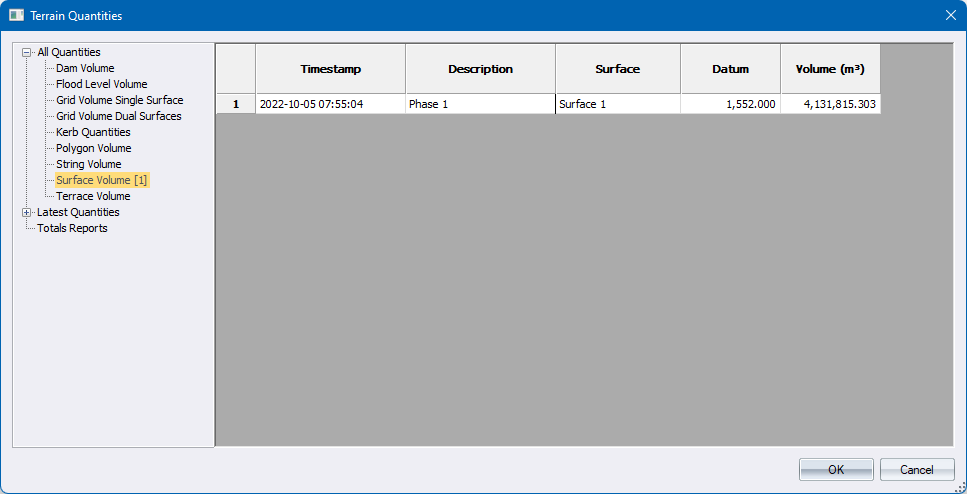
This function will allow you to see the results of earlier runs of the various Volume calculations. All Quantities gives you the historic listing of all calculations. Latest Quantities gives you the list of only the last calculation of any given description. Total Reports gives you a means to have a summation of columns of selected calculations. The information is stored with the terrain file so it is remembered between runs of the program.
Procedure
-
The Terrain Quantities Dialog is displayed.
-
Press OK to keep any changes, and Cancel to discard them.
-
Upon closing nothing further automatically takes place.