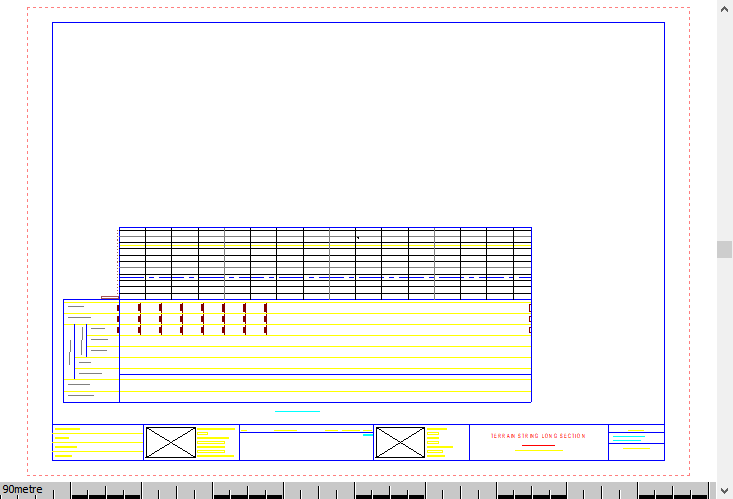
Generate Terrain String Long Section
To generate a long section along a terrain string alignment on a separate layout.
|
Icon |
Command |
Shortcut Key |
Toolbar |
|
|
|
|
|
Procedure
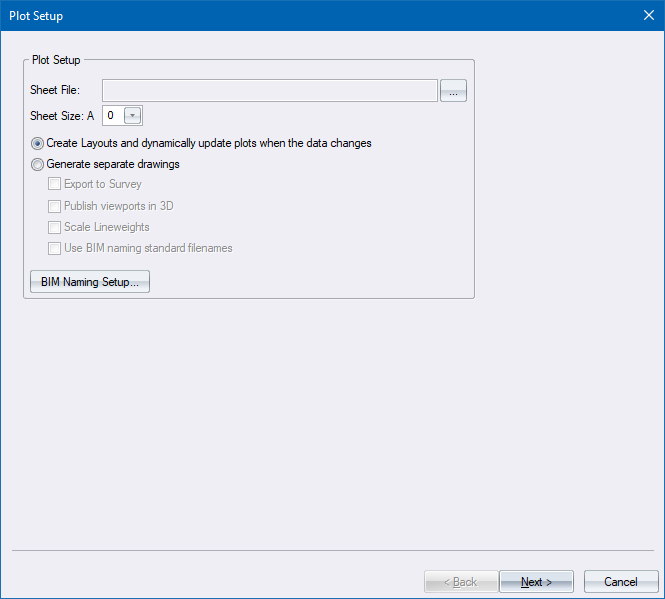
- The Plot Setup displays.
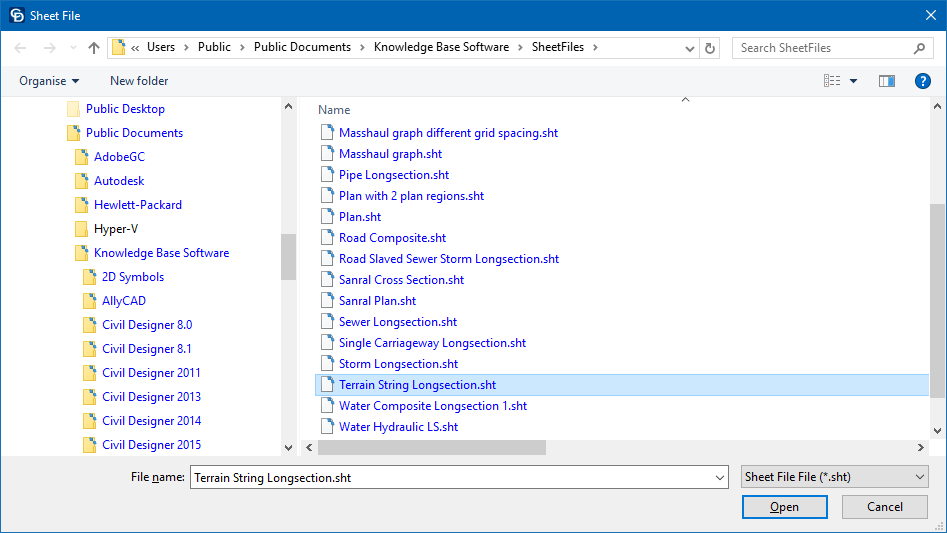
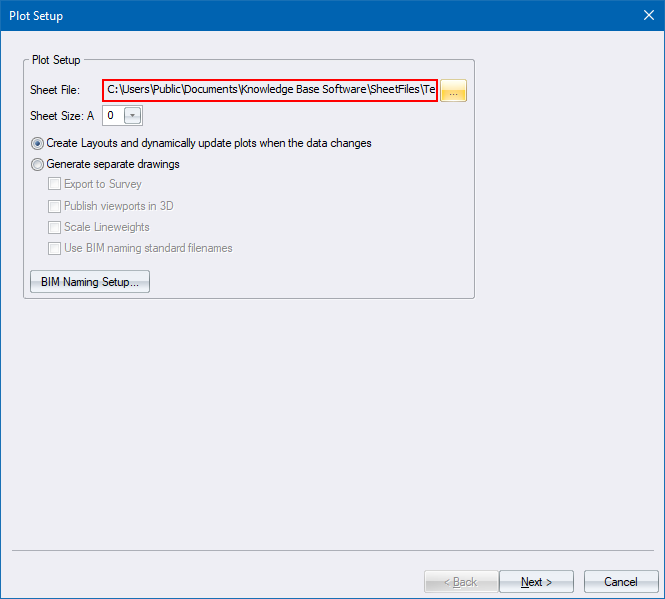
- Select the Terrain String Longsection sheetfile from the sample sheetfile directory, as shown below.
- Set the desired sheet size and click Next.
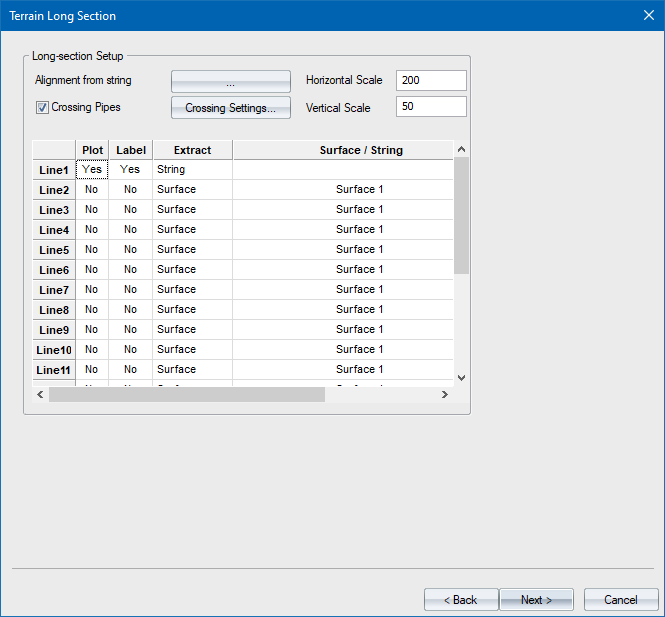
- The Terrain Long Section Setup displays. The first step is to specify what terrain string to use for the long section alignment. Click the Browse button.
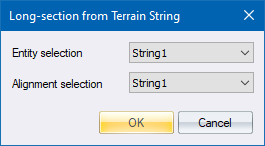
- In the Long-section from Terrain String dialog, specify a main string and a child string.
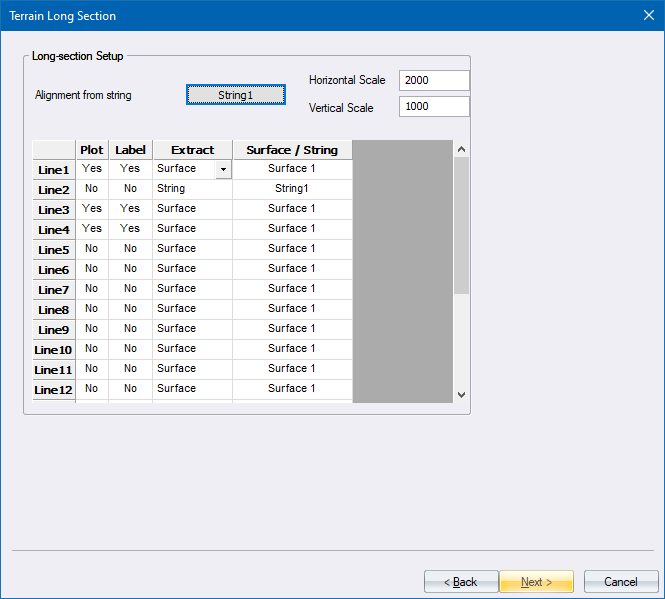
- The next step is to specify which section lines will be shown. The lines can be extracted from a terrain surface, or any string belonging to the family of the string you specified in Step 5.
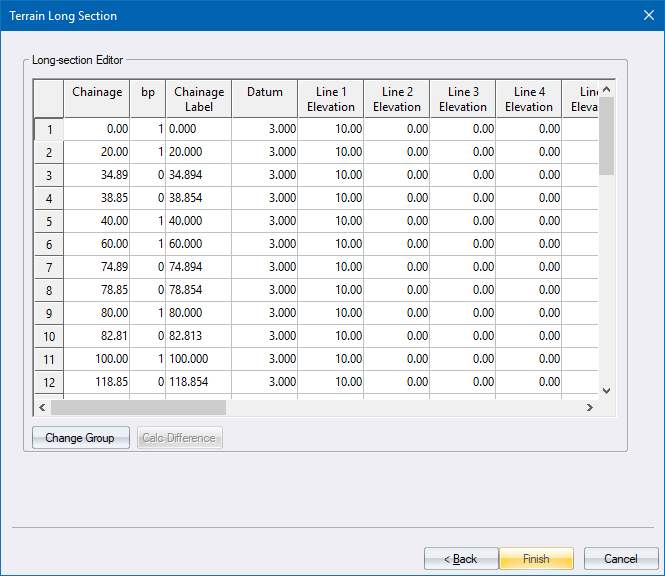
- Click Next to display the Long Section Editor where you can review that the correct data has been extracted for the long section.
-
Click Finish to generate the long section.
- If there is Custom Global or Plan Text in the brackets (<>), the Custom Strings for Plan and Global Titles dialog displays.
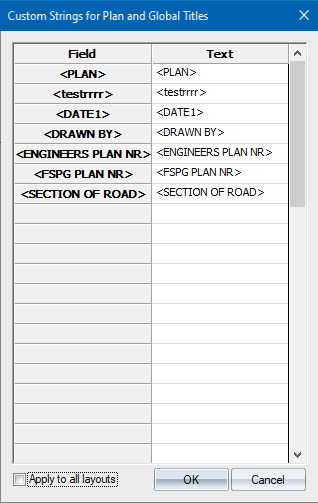
Here you can edit all the custom text in one place. The Field column contains the custom text and the Text column contains a replica of it which can be edited.
If Apply to all layouts is not selected and there are multiple layouts in the plot set, clicking OK will cause it to appear again with the edit values of the previous layout. You can now change it per plot. Alternatively, you can select Apply to all layouts, which will apply it to all the layouts in the plot set and the dialog will not pop up again during the plot set.
 Note that this dialog will not appear during a Force Dynamic Plot.
- Upon completion, the dialog will close and a new layout is added to the drawing with the long section.